Your wedding day is one of the most photographed days of your life. Between your professional photographer, the friends who never put their phones down, and the relatives who somehow managed to be in four places at once, hundreds, maybe thousands, of photos are being taken all around you.
The problem? Most couples never see the majority of them.
Photos disappear into group chats, get compressed beyond recognition on social media, or sit forgotten on someone’s camera roll until they stumble across them two years later. After all the thought you put into every detail of your day, those memories deserve better.
Here’s your complete guide to the best ways to collect and share wedding photos with your guests in 2026 — what works, what doesn’t, and how to make sure nothing gets lost.
Why Group Photo Sharing Matters More Than Ever
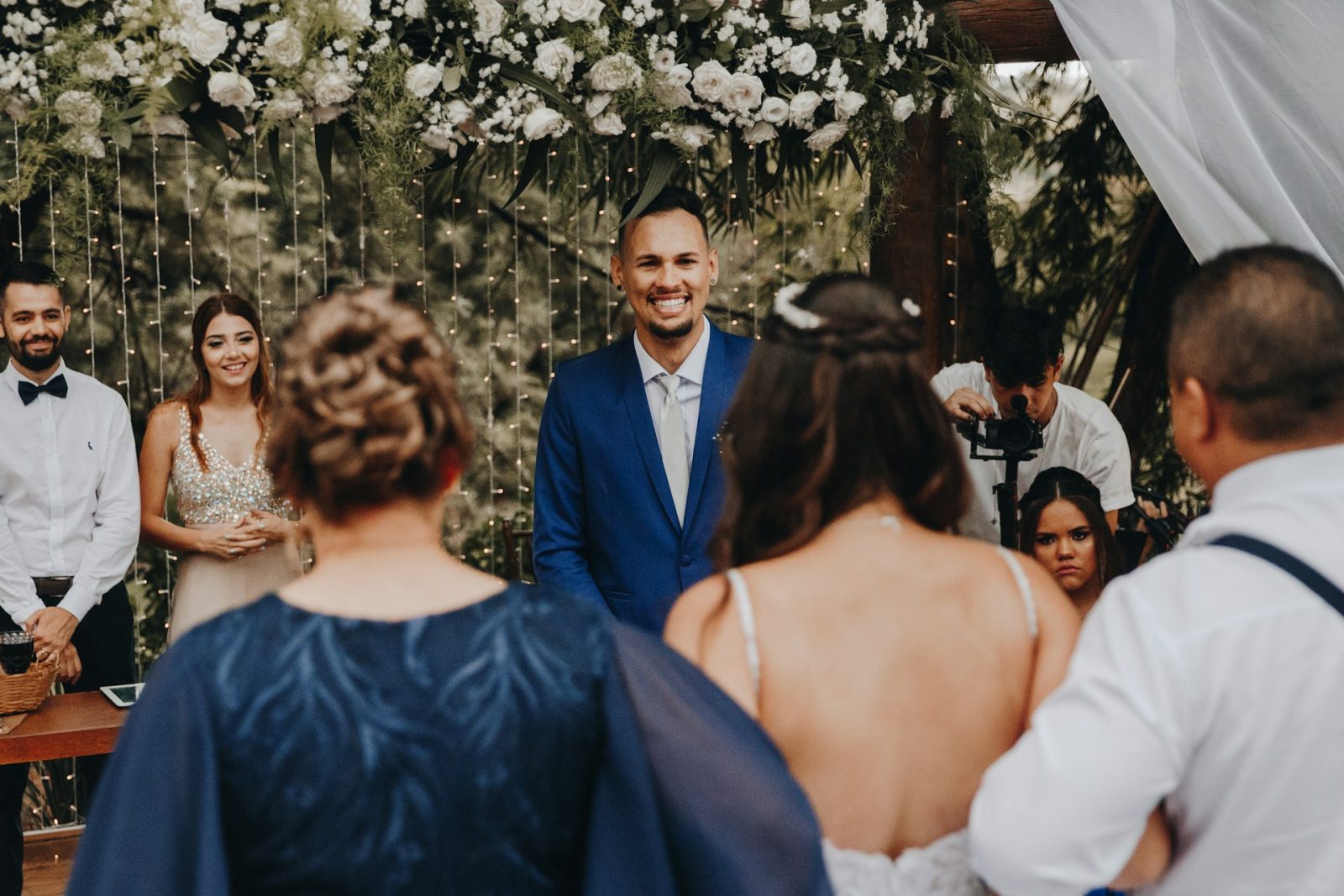
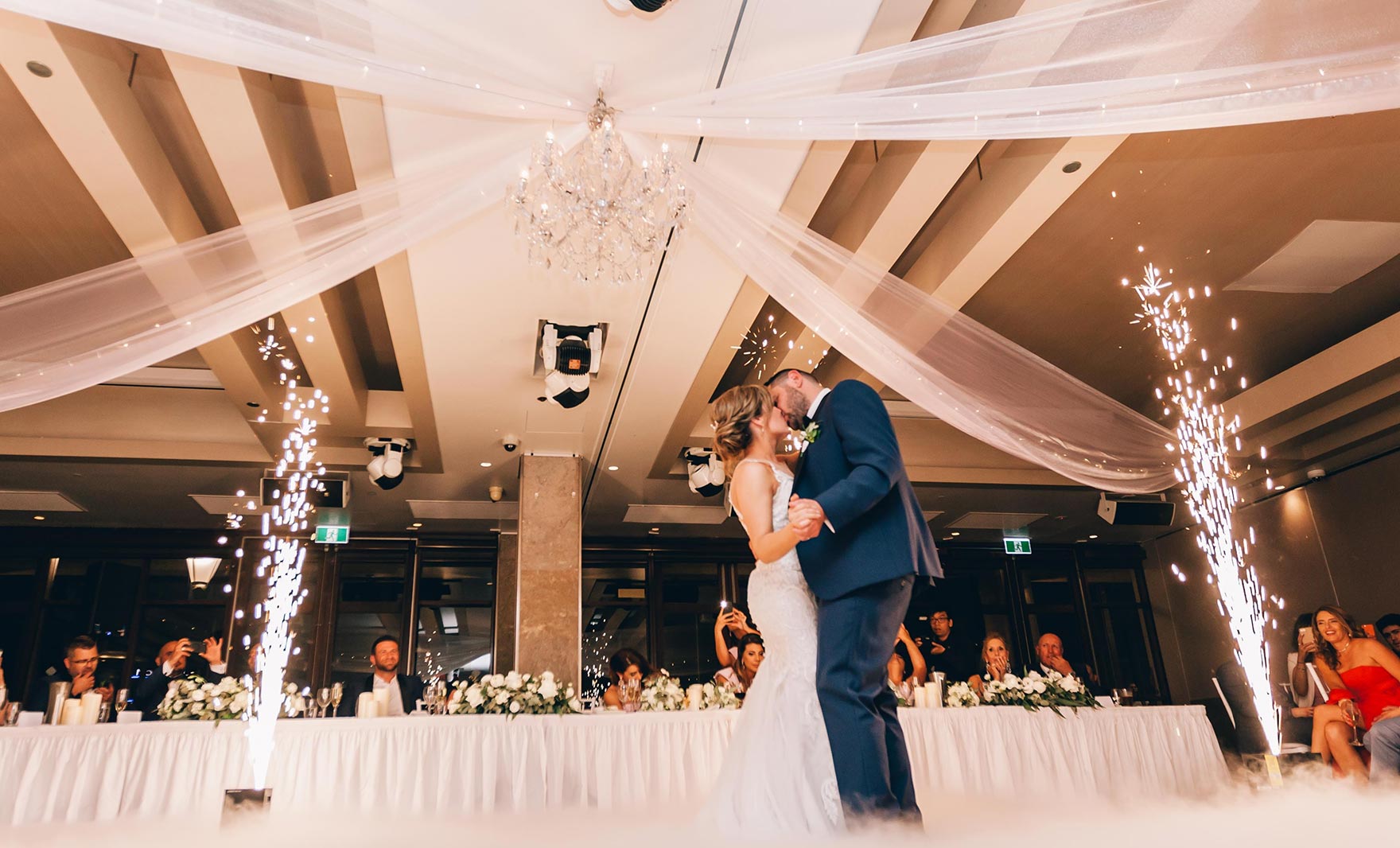
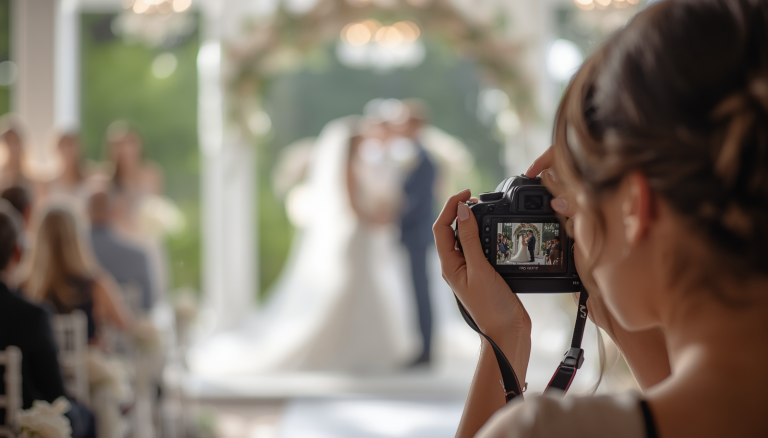
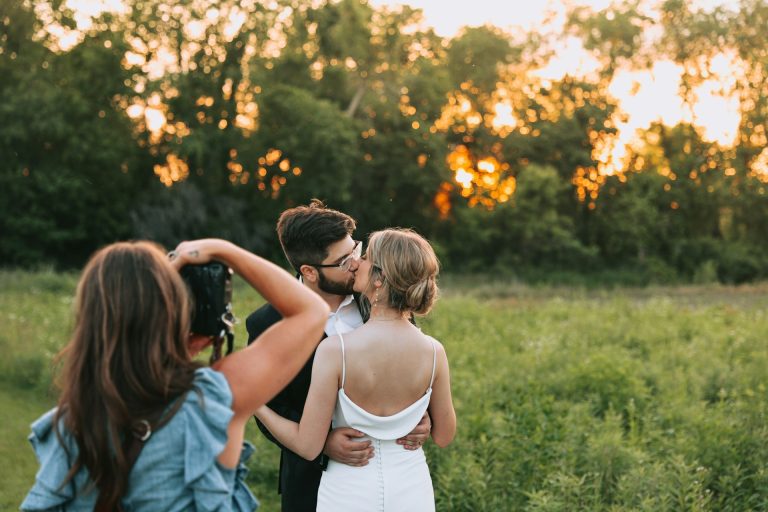
Your professional photographer captures the planned moments: the ceremony, the portraits, the first dance. But your guests capture everything else.
The bridesmaid who fell apart laughing during the bouquet toss. The moment your dad leaned over to whisper something to your mom during the reception. Your college friends recreating a photo from freshman year at the bar. These are the spontaneous, unscripted moments that no photographer — no matter how talented — can be in the right place to catch every time.
The couples who collect those guest photos end up with a completely different, much fuller picture of how their wedding actually felt. Not just the highlight reel, but the real thing — every angle, every table, every in-between moment.
The challenge is that collecting them has traditionally been a mess. Let’s talk about why the old methods fall short, and what actually works in 2026.
The Problem With Traditional Photo Sharing
Most couples default to tools that weren’t built for specifically for weddings, and they quickly hit frustrations.
WhatsApp and Group Texts
Fast and familiar, but devastating for photo quality. WhatsApp compresses images significantly, which means anything you’d want to print or enlarge comes out soft and degraded. Group threads also fill up with reactions, voice notes, and unrelated messages, making it nearly impossible to find photos later. It’s fine for a quick share, not for a lasting memory.
Google Photos Shared Albums
Better for quality, but it requires every guest to have a Google account and be comfortable using it. That’s a meaningful barrier for older guests, and anyone on an iPhone without a Gmail account will hit friction immediately. Participation tends to drop off fast when there’s a login screen in the way.
Facebook Albums
Still used, but increasingly irrelevant, especially for younger guests. Privacy concerns are real, and a growing number of people simply don’t want personal photos living on Facebook.
iCloud Shared Albums
Works beautifully if everyone has an iPhone and an Apple ID. In practice, most wedding guest lists include both Apple and Android users, and iCloud shared albums simply don’t work for Android. Non-starters for a group of 100+ diverse guests.
USB Drives and Email
At this point, these are mostly nostalgic. Asking guests to email photos one by one, or mailing a USB drive around afterward, is time-consuming for everyone and almost never results in a complete collection.
What to Look For in a Wedding Photo Sharing Solution in 2026
After years of couples wrestling with the options above, the market has evolved. Purpose-built wedding photo platforms – like Wedding Photo Swap – have emerged specifically to solve these problems. Here’s what separates a good solution from a frustrating one:
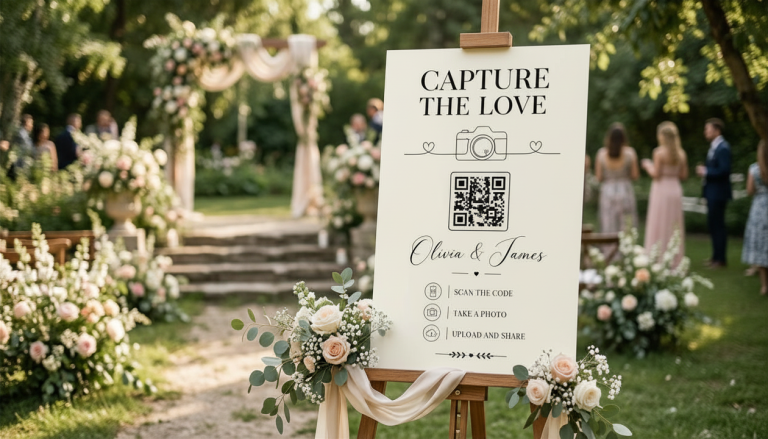
QR code access. A QR code on table cards, welcome signs, and the bar is the lowest-friction way to get guests into your album. Every modern smartphone camera can scan one natively. No typing URLs, no remembering links.
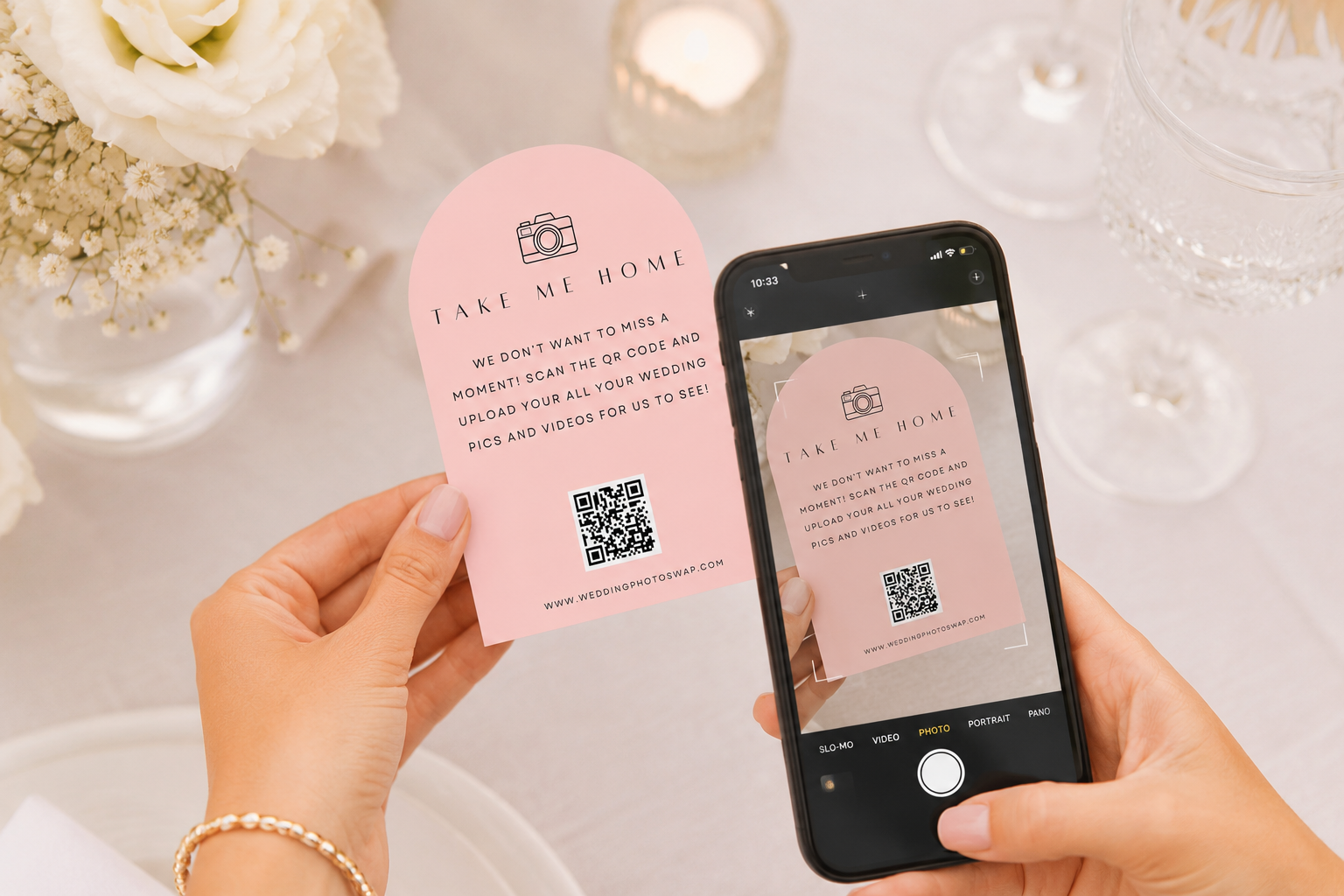
Original quality storage. Photos should be stored at full resolution with no compression. You want to be able to print from these.
Privacy controls. Your wedding photos should be seen by the people you choose, not the internet at large. Look for platforms that offer password protection and moderation tools so you decide what stays in the album.
Easy bulk download. After the wedding, you should be able to download everything in one click — not one photo at a time.
Guest engagement features. Likes, comments, and live slideshow displays (where guest photos appear on screens during the reception in real time) make the experience genuinely fun rather than just functional.
The Best Options for Wedding Photo Sharing in 2026
Purpose-Built Wedding Photo Apps (Best Choice)
Dedicated platforms designed specifically for weddings are the clear front-runner in 2026. They check every box above: browser-based access, QR codes, original quality storage, privacy controls, and guest-friendly interfaces that work for every age group.
Wedding Photo Swap is built exactly for this. Guests upload via QR code or a shared link — no downloads, no accounts, no friction. Photos are stored at full resolution, you maintain complete control over the album, and everything is downloadable in one click after the wedding. Couples using Wedding Photo Swap collect an average of 500+ guest photos they otherwise never would have seen.
It also covers your entire wedding journey, not just the reception. You can use the same album for your engagement party, bridal shower, rehearsal dinner, and even your honeymoon — keeping every memory in one place.
Google Photos Shared Albums
A reasonable free option for tech-comfortable groups where everyone has a Google account. The quality is good, and the interface is familiar. The hard limitation is the Google account requirement, which consistently reduces participation at weddings with diverse, mixed-age guest lists. If that sounds like your crowd, a dedicated platform will serve you better.
Instagram Hashtags
Still popular with younger couples, but better treated as a social layer than a memory-preservation tool. Hashtags are public by default, quality is compressed, and posts get buried in feeds within hours. Great for the buzz of the day — not reliable as a photo archive.
WhatsApp / iMessage
Best for small, tight-knit groups where everyone is already in a shared thread. For weddings of 80+ guests, the chaos of a group chat makes photo-finding nearly impossible, and the quality compression is a real problem if you ever want to print anything.
| Platform | Best For | Pros | Cons |
|---|---|---|---|
| Wedding Photo Swap | Weddings & related events | QR codes, unlimited storage, privacy, high-res, likes/comments | Focused on weddings only |
| Google Photos | Families & small groups | Free plan, search tools | Compression, logins required |
| WhatsApp/Messenger | Quick casual sharing | Instant, familiar | Low quality, disorganized |
| Amazon/iCloud | Closed ecosystems | Reliable storage | Excludes non-users |
| GuestPix / Kululu | Events & planners | QR codes, interactive | App downloads, paid extras |
How to Maximize Guest Photo Participation
Even with the best platform in place, a few practical steps make a significant difference in how many photos actually end up in your album.
Tell guests in advance. Mention it in your wedding website, your invitations, or both. When guests know there’s a dedicated place to share photos, they take more of them with sharing in mind. It also gives everyone a chance to get comfortable with the process before the day.
Put QR codes everywhere. Table cards are the standard — but also consider: the welcome sign at the entrance, the bar area, the photobooth backdrop, and the order of service. More touchpoints mean more guests who see it and act on it.
Make a personal ask. A brief mention during the reception from your DJ, MC, or a member of the wedding party converts far better than a sign alone. Something simple like “We’d love for you to share your photos with us — there are QR codes on the tables” takes 20 seconds and meaningfully increases participation.
Use a live slideshow. If your platform supports it, displaying guest photos on screens during the reception creates a feedback loop — guests see their photos appear in real time, which motivates others to upload. It also becomes a genuinely fun feature of the evening.
Extend the window. Don’t close your album the morning after. Give guests a week or two to upload — especially those who prefer to go through their photos carefully before sharing.
Frequently Asked Questions
Do guests need to download an app to share photos? Not with browser-based platforms like Wedding Photo Swap. Guests scan a QR code and upload directly from their phone’s browser — no download, no account, no barrier.
Does WhatsApp compress photo quality? Yes, significantly. Images shared in WhatsApp groups lose resolution and are not suitable for printing. If quality matters, use a dedicated photo-sharing platform that stores originals.
Can I collect photos from my whole wedding weekend — not just the reception? Yes. Platforms like Wedding Photo Swap support multiple events within one album, so everything from your rehearsal dinner through to the day-after brunch can be collected in one place.
How do I make sure photos stay private? Choose a platform with password protection and moderation controls. With Wedding Photo Swap, you control who can access the album and can review uploads before they’re visible to other guests.
When should I share my QR code with guests? The earlier the better. Include it in your wedding website or invitations so guests know in advance. On the day, display it in multiple locations around the venue.
TLDR
Your professional photographer will give you a beautiful, curated gallery of the moments they were there to capture. But your wedding was happening everywhere, all at once — and the photos that capture how it actually felt are sitting in your guests’ camera rolls right now.
The best way to collect them in 2026 is simple: use a purpose-built platform with a QR code, zero friction for guests, and full-resolution storage. Put the QR code somewhere guests will see it, make a personal ask, and let the photos come to you.
Wedding Photo Swap was built specifically for this moment. Thousands of couples have used it to collect hundreds of photos they never would have seen otherwise, the candid, imperfect, completely real moments that complete the story of their day.
Because your wedding photos shouldn’t just be the ones that were planned. They should be all of them.
Want more practical tips on getting photos from your guests? Read our guide on how to collect wedding photos from guests.
The Future of Group Photo Sharing
Two trends are shaping how we’ll share wedding photos in the years ahead:
- Privacy-first platforms – couples increasingly want control over who sees their photos, and don’t want them scattered across social media.
- AI photo curation – while still developing, expect smarter ways to auto-tag, sort, and even suggest the best shots in future updates.
At Wedding Photo Swap, we’ve built privacy into the platform from day one, and we’re actively exploring AI features to make photo collection even more seamless.
FAQs About Group Photo Sharing
What is group photo sharing?
It’s the process of collecting and sharing photos taken by multiple people into one shared album.
How can a group share photos easily?
The easiest way is to use a group photo sharing app or platform with QR codes and links, like Wedding Photo Swap.
Does WhatsApp compress photos?
Yes. Images shared in WhatsApp groups lose quality. Use a dedicated photo sharing platform if you want original resolution.
Is there a free group photo sharing app?
Some options like Google Photos or WhatsApp are free but limited. Wedding Photo Swap offers affordable plans with unlimited storage.
Can guests share photos without downloading an app?
Yes. With Wedding Photo Swap, guests just scan a QR code or click a link – no downloads needed.
Conclusion: The Best Way to Collect Wedding Memories
Wedding days are filled with once-in-a-lifetime moments, and your guests are capturing hundreds you’ll never see unless you have a simple, private way to collect them.
Generic tools like WhatsApp or Google Photos can work, but they fall short for weddings. A dedicated group photo sharing platform like Wedding Photo Swap makes it effortless, QR codes, unlimited storage, privacy controls, and all your memories in one place.
Ready to see what your guests capture? Start your Wedding Photo Swap album today and make sure no memory is missed.